

This screen displays a gallery of skins that are available for installation. The gallery of skins can be filtered based on skin type and collection kind.
How to Access this Screen
This screen can be accessed by clicking on the Install New button/link found in the following locations:
- Choosing a skin for a collection
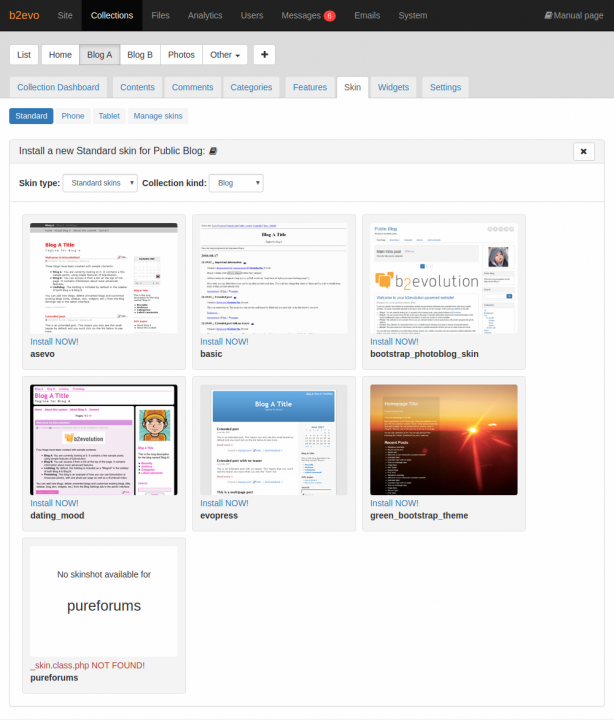
Installing new skins for a Collection - Managing the installed skins
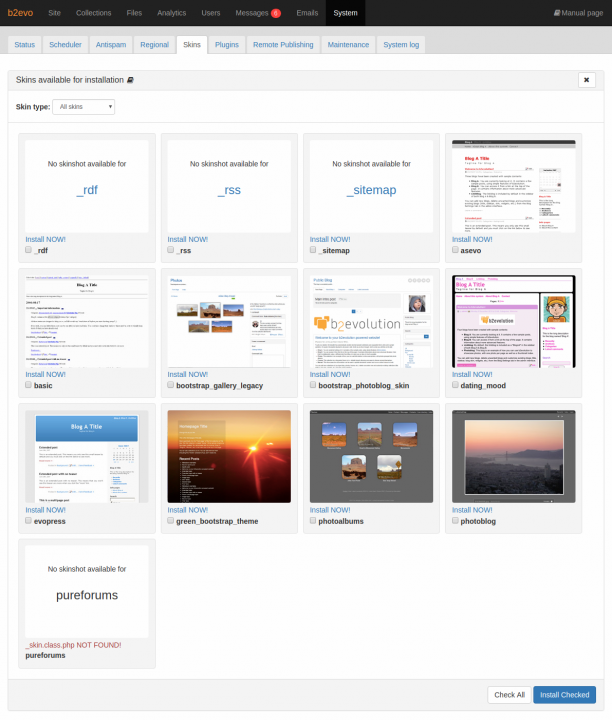
Installing new skins via System > Skins
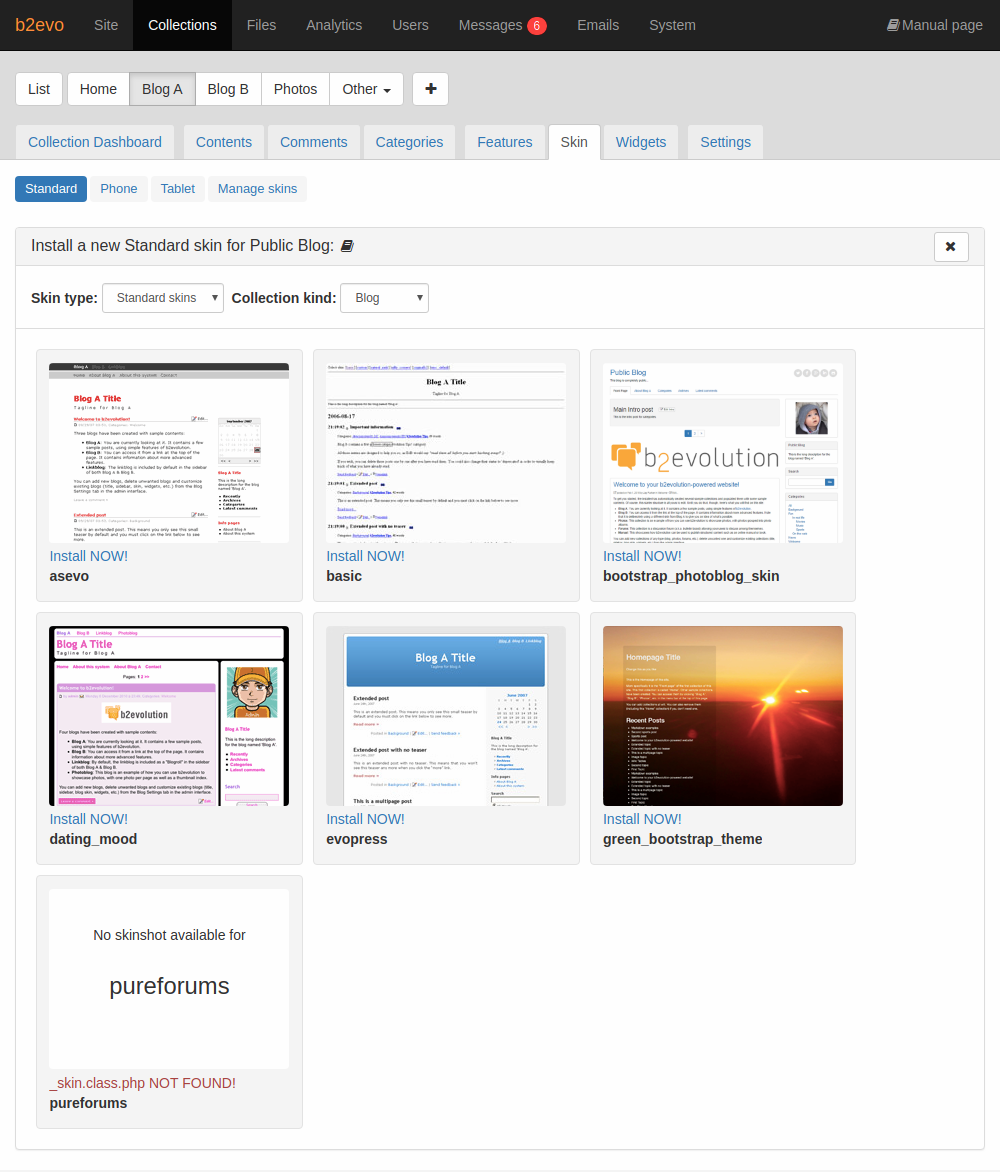
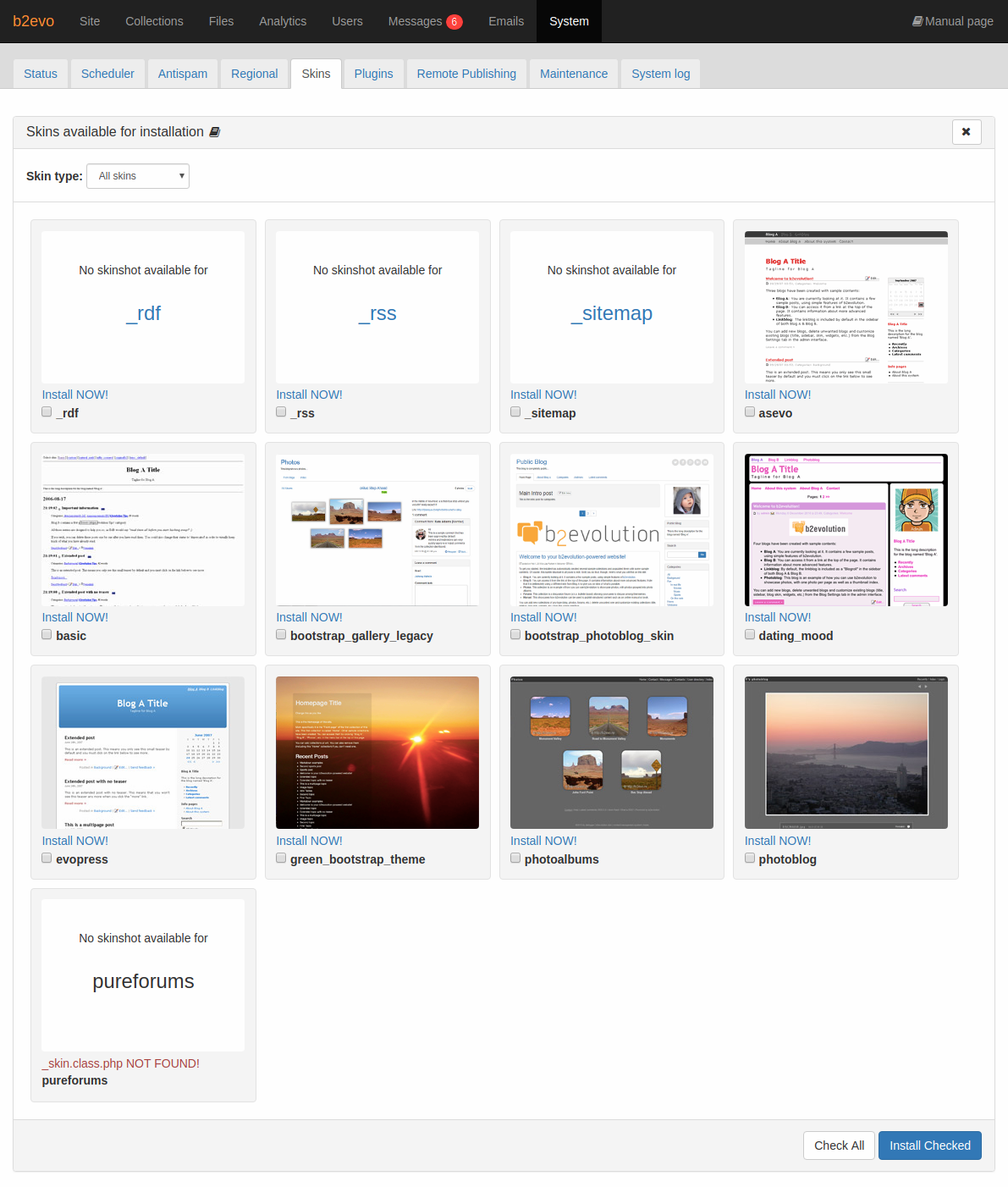
How to Install a New Skin
To install a new skin for use on your system, you can follow these steps:
- Download skins from the Skin Directory.
- Unzip the file. If you’re not sure how to do this, try double-clicking the file that you downloaded. The result should be a folder with a name similar to
skinname_skin-7.0.2and is filled with files likeindex.main.php. - Connect to the webspace where b2evolution is installed via FTP and upload the unzipped folder into the
skins/folder of your b2evolution installation. - Reload the "Install a New Skin" screen (depicted above)
- Locate your skin. If the skin is not displayed:
- check that you have the correct skin type and collection kind filters
- check that the skin files have the correct file permissions
- Click on the Install NOW! link