

Apply rendering defines if and when a Renderer Plugin should apply its rendering method.
This is currently only used when Items get displayed ("rendered").
This setting can be changed in the plugin’s per collection settings and defines how the plugin gets presented in the "Renderers" panel when creating or editing an existing item.
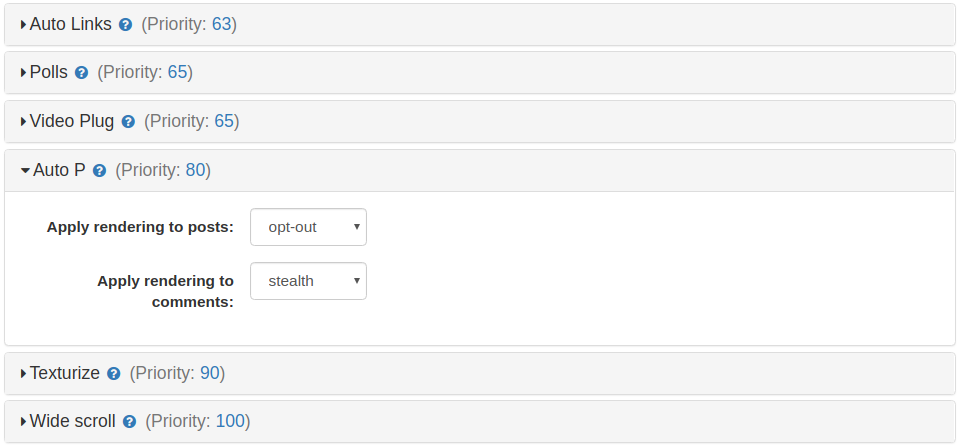
Possible values
- stealth: gets always used, but not displayed as option
- always: gets always used, and displayed as disabled checkbox
- opt-out: enabled by default, can get unchecked
- opt-in: disabled by default, can get checked
- lazy or automatic: checkbox is displayed but is disabled. This means that the plugin will turn on rendering if it has inserted some code in the content that does require such rendering.
- never: cannot get used as a Renderer Plugins